017 Drone Controller: Reading the Screen Without Losing Focus
Lorvyo Editorial
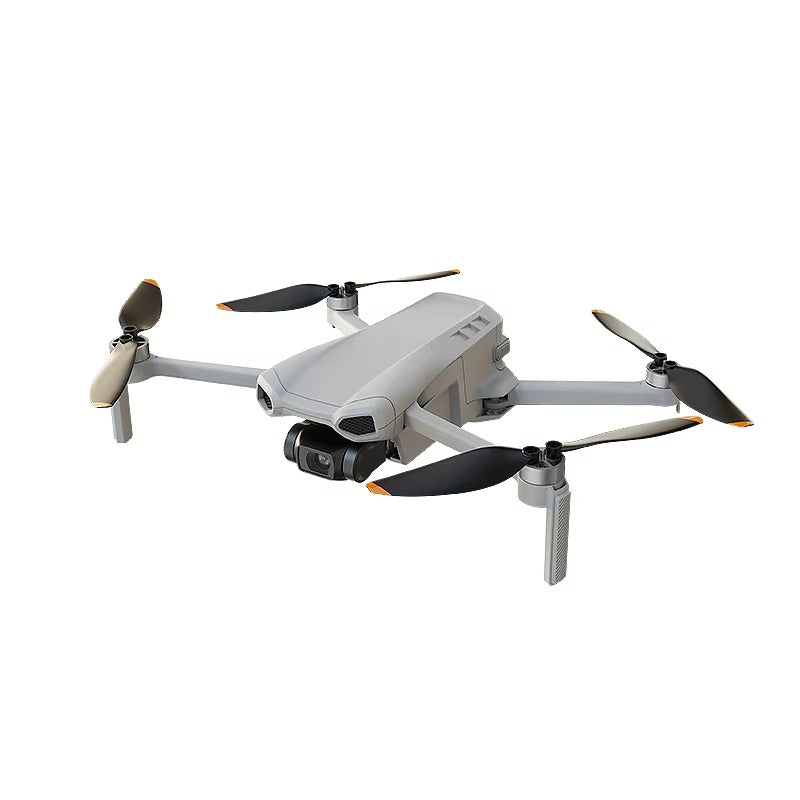
Plan a clear controller-screen routine for the 017 drone, separating status checks from camera preview.
The 017 has a listed 5.5-inch touch-screen controller. A dedicated display can keep information in one place, but a useful routine depends on knowing which information needs a quick glance and which task should wait.
Learn the layout before a session
With the aircraft safely handled according to its instructions, identify the manual's status indicators and camera controls. Write down any symbol you do not understand. A large screen is not helpful if every glance becomes a search through unfamiliar menus.
Reduce avoidable screen tasks
Prepare the recording settings and storage before operating the aircraft. Keep your first session simple so you are not learning several menus at once. Use the supplied operating guidance for monitoring the aircraft and surroundings; a live screen should not become your only source of attention.
Use a repeatable end check
When the session has ended, confirm that recording has stopped and the file has saved before powering down as directed. The controller's support for cards up to 128 GB does not establish that a card is included or that every card format and speed will work. Ask for the exact requirements.
Details from the current product listing
| Model | 017 |
|---|---|
| Controller screen | 5.5 inches |
| Memory-card support | Up to 128 GB, card not specified |
Check the selected option and current product page for the supplied configuration.
Does a touch screen mean the drone uses a phone app?
Not necessarily. The listing identifies a screen controller; confirm any app requirements for the supplied configuration instead of inferring them from the display.
Explore the product
Lorvyo 017 Screen-Controller Drone — view current options, images and availability.
For a different angle: 017 Drone Controller: Screen and Memory-Card Checklist.
Related reading: A26 Pro Drone: Review Camera Footage Beyond the 4K Label.