GT4 Pro: Prepare Bluetooth Calling and Notifications
Lorvyo Editorial
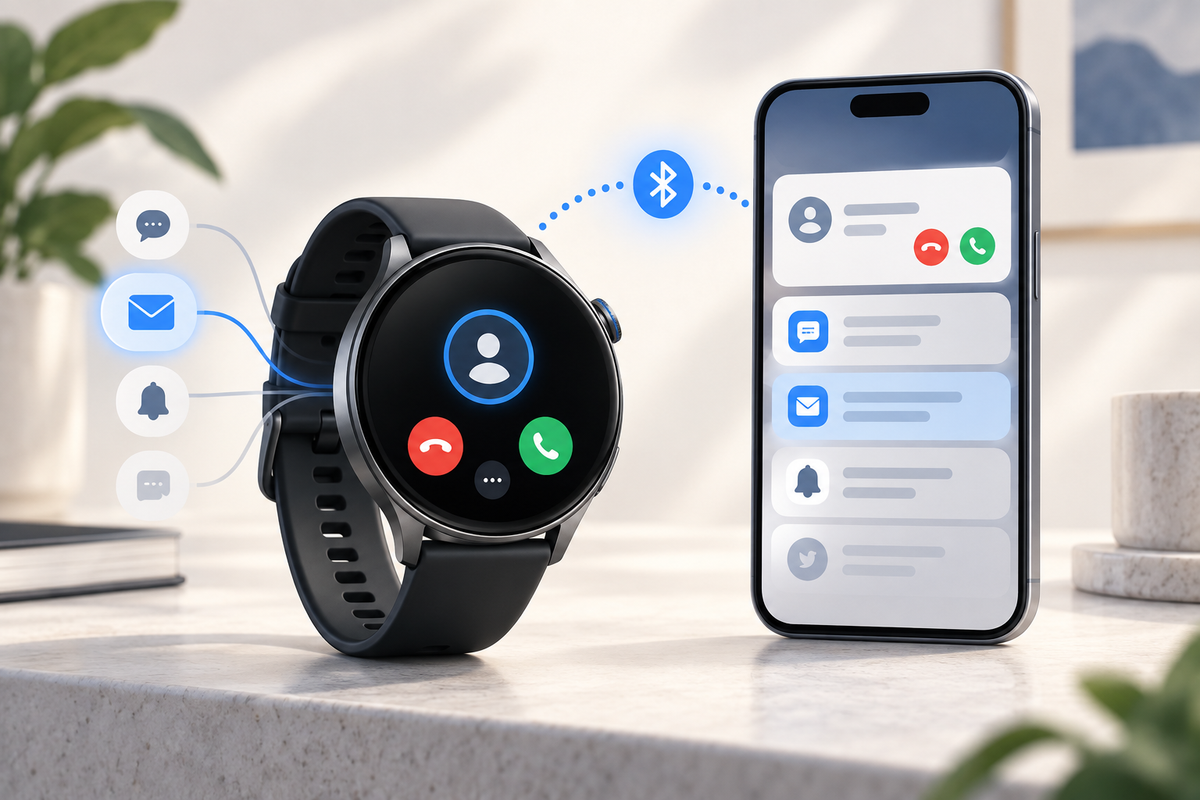
Cover: AI-generated editorial illustration, not an exact product photograph.
The GT4 Pro is listed as a round smartwatch with Bluetooth calling, a 1.53-inch IPS display and the RDFit companion app. For everyday use, choose which calls and notifications you want on your wrist before enabling every available alert.
Product at a glance
| Screen | 1.53 inches |
|---|---|
| Battery listing | 300 mAh |
| Companion app | RDFit |
View Lorvyo GT4 Pro Smartwatch: current options and availability
Set up the app and call connection deliberately
Confirm the official RDFit download and supported phone version using the product instructions. Follow the documented pairing sequence and check whether calling requires a separate Bluetooth connection. The GT4 Pro's Bluetooth-calling description should not be read as independent cellular service. Keep the phone available during the first test and verify the audio destination.
Choose useful notifications instead of all notifications
Start with the messages or calendar reminders that matter to you. Check the phone and app permissions, then send a harmless test notification to confirm the workflow. If an alert is missing, review the relevant settings rather than repeatedly pairing the watch. Limit sensitive message previews if you do not want them visible when the wrist screen lights up.
Check the charging accessory and fit
The listing describes wireless charging and a 300 mAh battery, but it does not establish compatibility with every wireless charging pad. Use the supplied or specifically approved accessory and ask about replacement compatibility. Compare case dimensions and strap fit before buying. A familiar round shape or model name does not make it interchangeable with another brand's watch.

Questions and answers
Can the GT4 Pro make calls without a connected phone?
Independent cellular calling is not established by the listing; it describes Bluetooth calling.
Which app is named on the product page?
RDFit is the listed companion app. Confirm the official version and phone requirements before setup.
Explore smart watches at Lorvyo
See this product and choose your option · Browse smart watches
- NX19 Round Smartwatch: Balance Style and Screen Readability
- S5 Activity Band: Fit and Charging for Everyday Use
Sources and editorial note
Product details: Lorvyo product listing, checked 2026-09-17. Questions about the exact kit: support@Lorvyo.com.
AI-assisted buying guide based on the current listing, not a hands-on review. The cover is a conceptual illustration; the product photograph comes from the listing. Confirm unresolved specifications with Lorvyo before ordering.