L109 Pro Max: A Practical File Backup Workflow
Lorvyo Editorial
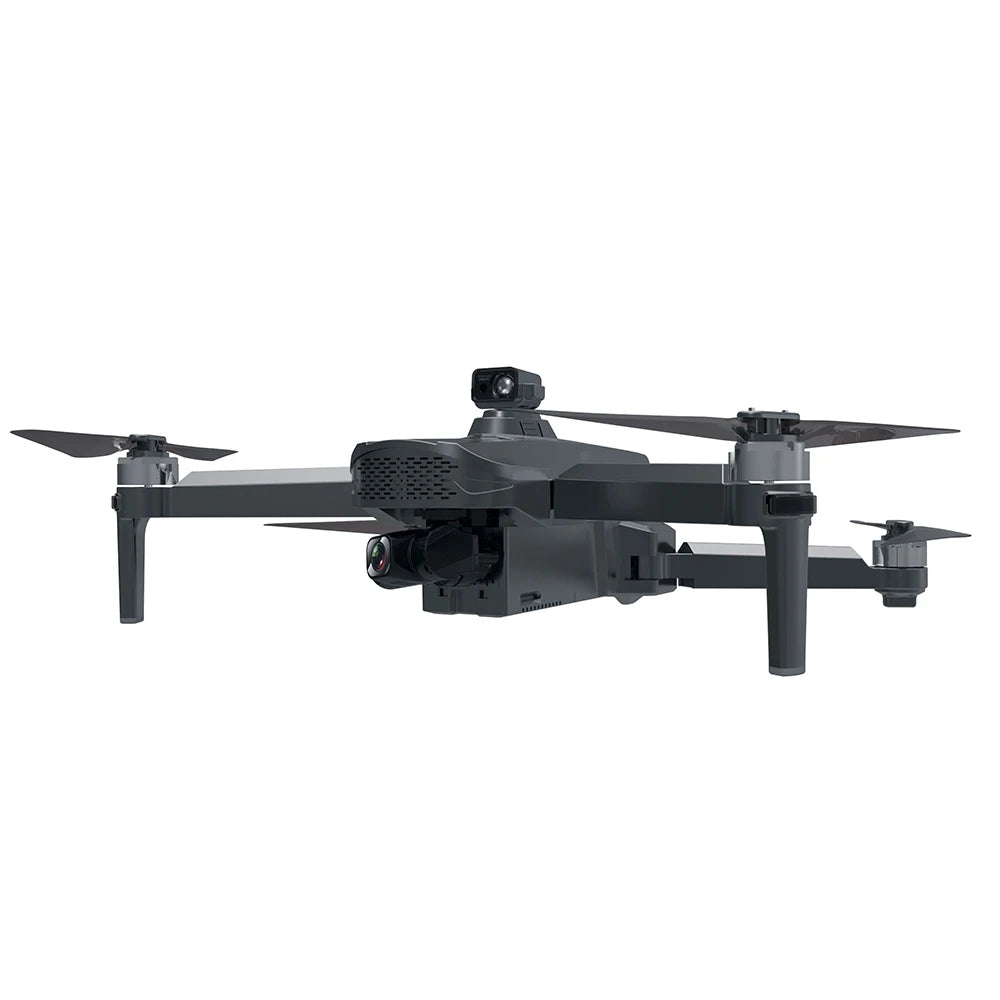
Keep L109 Pro Max footage organized with dated folders, verified copies and a clear separation between originals and edits.
The L109 Pro Max lists a three-axis gimbal and 1080p video, but even a well-composed clip is difficult to use if it gets lost among temporary exports. Set up a small file workflow before the first substantial recording session.
Use names that explain the session
Create a folder with the date and a short subject name, then keep the original files inside it. Add a simple note describing the location or objective without changing the original filenames immediately. This preserves a clear link between the saved footage and your session notes.
Verify the copy before clearing storage
Open several copied files, including the first and last clips, and check that they play through. Keep another copy of important footage in a separate location. A file visible in a folder is not the same as a verified, playable copy; check before reusing the recording media.
Keep exports separate
Put cropped, stabilized or compressed edits in a different folder. When comparing the camera's output, return to the original rather than an export that has passed through several apps. Ask Lorvyo to confirm recording settings if your editing software requires a particular format or frame rate.
Details from the current product listing
| Motor | 1806 brushless |
|---|---|
| Battery listing | 3400 mAh |
| Video listing | 1080p |
Check the selected option and current product page for the supplied configuration.
Can I identify image quality from the 3400 mAh figure?
No. That is a listed battery-capacity figure. It does not describe the camera file, recording duration or editing compatibility.
Explore the product
Lorvyo L109 Pro Max Gimbal Drone — view current options, images and availability.
For a different angle: L109 Pro Max: Make a Repeatable Drone Shot Checklist.
Related reading: A26 Pro Drone: Review Camera Footage Beyond the 4K Label.