DM5 Microphone: Build a Reliable Case-to-Camera Routine
Lorvyo Editorial
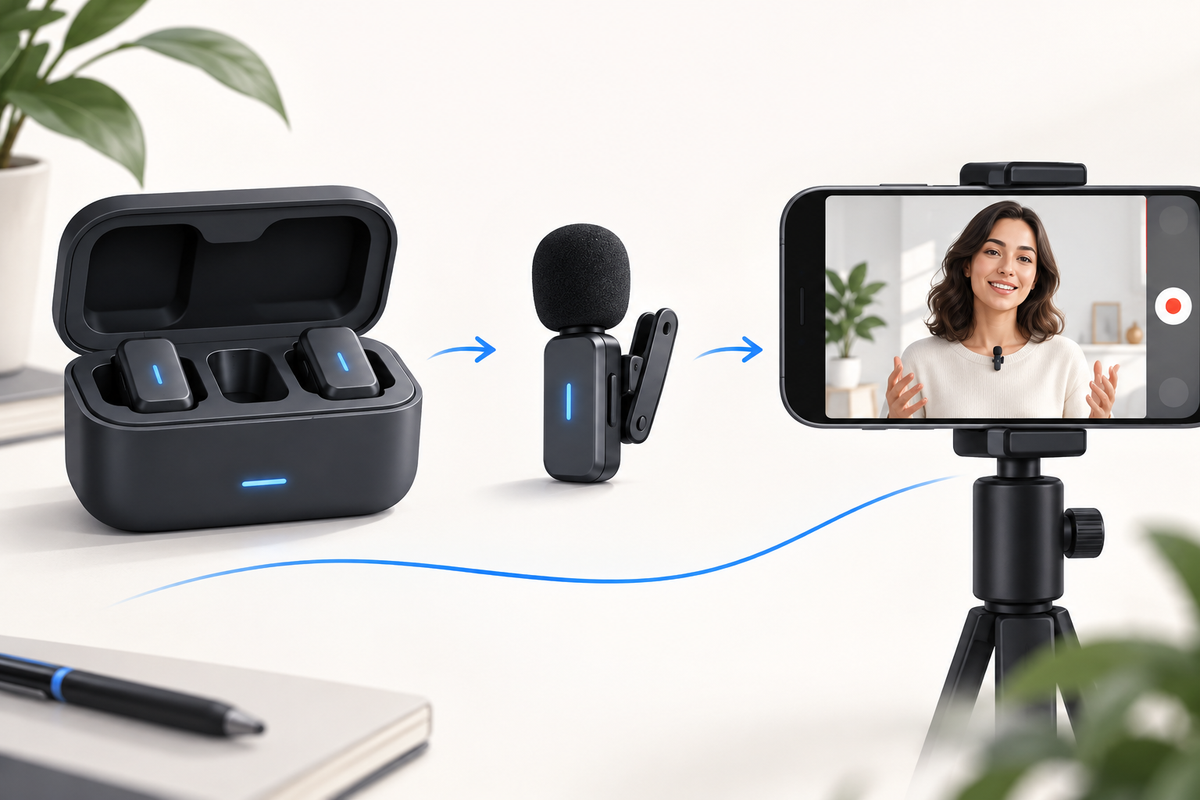
Cover: AI-generated editorial illustration, not an exact product photograph.
The DM5 is listed as a clip-on wireless microphone with a charging case and Lightning or USB-C receiver choices. A case makes the kit easier to organize, but recording readiness still needs a check. Build a short routine from opening the case to confirming the saved audio.
Product at a glance
| Model | DM5 |
|---|---|
| Receiver options | Lightning or USB-C |
| Use | Mobile voice recording |
View Lorvyo DM5 Wireless Microphone with Charging Case: current options and availability
Start with the selected kit and device
Confirm the receiver type and the phone or app you will use. Identify which components require charging and what the status indicators mean in the DM5 instructions. A case can hold several components without every component sharing one battery state. Check that the microphone is correctly seated when storing it and do not force a connector that does not fit.
Make a sample before you frame the full video
Connect and pair as directed, choose the input in the recording app where applicable and record a short spoken line. Play it back before moving on to the full take. If the result is missing or faint, review receiver connection, permissions and microphone placement. The listed noise-reduction feature is not a reason to skip this basic test.
Close the session with a save-and-store check
Confirm the file is saved and audible, then follow the shutdown and storage guidance. Keep the kit together so the correct receiver is ready next time. If you change phones or apps, repeat the compatibility and sample checks. The DM5 listing does not establish a universal adapter solution, a tested range or an exact runtime for every setup.

Questions and answers
Which receiver options are listed for DM5?
Lightning and USB-C are listed. Confirm the complete device and app combination before choosing.
Does a charging case guarantee recording readiness?
No. Check the components' charge, connection and actual recorded audio.
Explore microphones at Lorvyo
See this product and choose your option · Browse microphones
Sources and editorial note
Product details: Lorvyo product listing, checked 2026-09-17. Questions about the exact kit: support@Lorvyo.com.
AI-assisted buying guide based on the current listing, not a hands-on review. The cover is a conceptual illustration; the product photograph comes from the listing. Confirm unresolved specifications with Lorvyo before ordering.