S6S Drone: Phone Connection and Color Selection Guide
Lorvyo Editorial
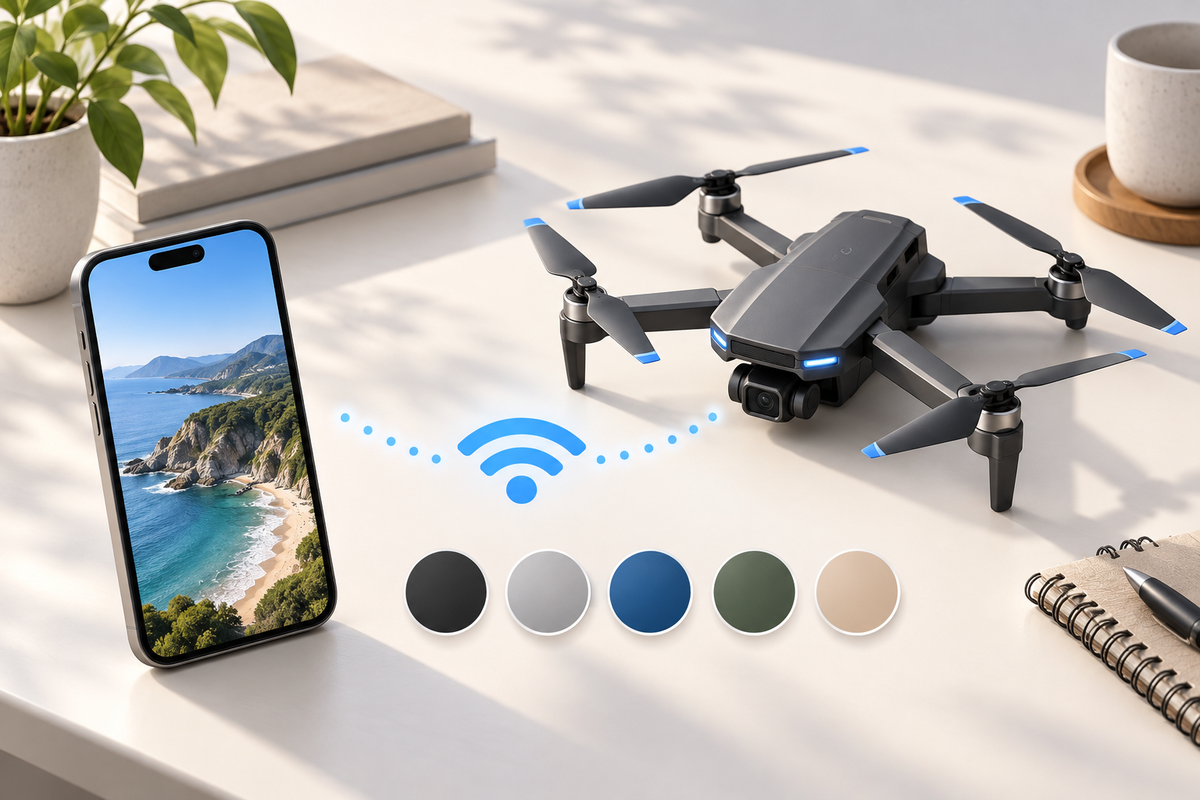
Cover: AI-generated editorial illustration, not an exact product photograph.
The S6S listing describes a folding dual-camera drone with a Wi-Fi camera connection. Its finish options include Black, White and Orange, while the verified gallery currently shows Orange and White. Check both the connection workflow and the exact finish before ordering.
Product at a glance
| Model | S6S / S60 |
|---|---|
| Product type | Camera drone |
| Available finishes | Black, White, Orange |
View Lorvyo S6S Folding Camera Drone: current options and availability
Identify the camera app before setup
Ask Lorvyo for the official app link and supported phone versions for the selected S6S kit. Read the model instructions for connecting the phone and confirming the camera view. Do not install a similarly named app or change network settings at random. If the phone reports that a device network has no internet, use the manual's documented workflow rather than assuming the camera is faulty.
Keep phone video separate from aircraft control
The listing establishes a Wi-Fi camera connection, but does not explain every control or recording function. Confirm whether the phone is used for viewing, recording, control or a combination, and whether a memory card is needed. A working live view is only one part of setup. Review the controller and flight instructions independently before operation.
Choose the finish from confirmed information
Use the product's selected variant as the order record. The available gallery does not yet contain a verified Black-finish photograph, so ask for one if appearance is decisive. Do not treat a generated blog illustration as a color sample. Also confirm the included battery and accessory count rather than inferring it from a scene image.

Questions and answers
Does the S6S gallery currently show every finish?
No. The verified photos show Orange and White; a verified Black product photo is still needed.
Does Wi-Fi camera connection guarantee a certain range?
No. The available listing does not establish a tested range for your phone and environment.
Explore drones at Lorvyo
See this product and choose your option · Browse drones
- 019 Gimbal Drone: Organize Your First Recording Session
- 017 Drone Controller: Screen and Memory-Card Checklist
Sources and editorial note
Product details: Lorvyo product listing, checked 2026-09-17. Questions about the exact kit: support@Lorvyo.com.
AI-assisted buying guide based on the current listing, not a hands-on review. The cover is a conceptual illustration; the product photograph comes from the listing. Confirm unresolved specifications with Lorvyo before ordering.