M6 Microphone: Read the Case Display and Test Your Audio
Lorvyo Editorial
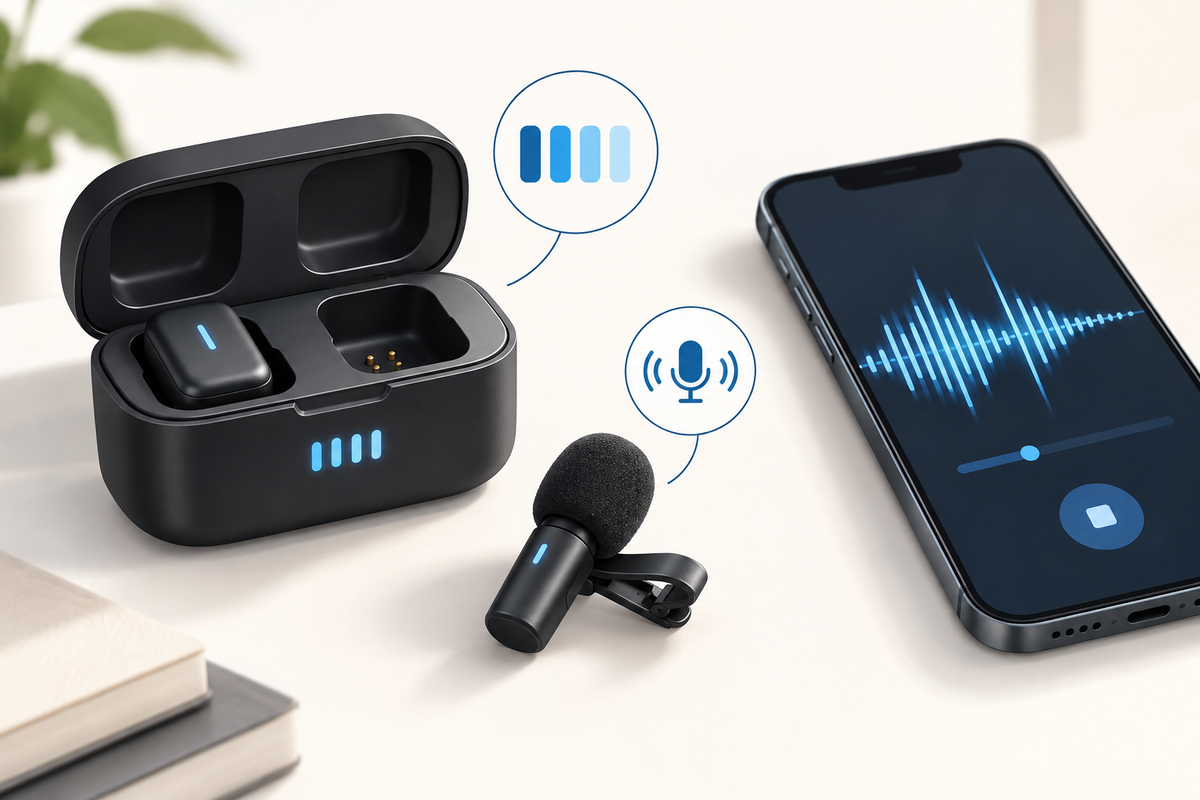
Cover: AI-generated editorial illustration, not an exact product photograph.
The M6 microphone kit lists a charging-case battery display, clip-on transmitters and a noise-control feature. The display is useful for preparation, but it cannot tell you whether your recording app is capturing the right input. Check power and audio as separate parts of the routine.
Product at a glance
| Model | M6 |
|---|---|
| Receiver options | USB-C or Lightning |
| Use | Speech and mobile content |
View Lorvyo M6 Wireless Microphone Kit: current options and availability
Read the display using the model's instructions
Confirm what the case display represents and how individual component charge states are shown. Do not turn a percentage into an exact number of recording hours without documented test conditions. Seat components as directed and inspect the charging contacts according to the care guidance. If a display seems inconsistent, ask support with the exact model and a clear description.
Use the receiver that matches the full setup
The M6 offers USB-C or Lightning choices. Check the physical port, operating system and recording app, especially if an adapter is involved. A connector that fits is not enough to guarantee external-audio support. Keep a note of the working combination so a future software or device change is easier to troubleshoot.
Listen to a short sample before the real recording
Test ordinary speech and the movement expected in the scene. Confirm that the app has selected the intended input and that mute or noise-control settings behave as expected. Keep placement away from rubbing fabric and compare one change at a time. The display and processing feature support preparation; neither proves a noise-free result in every environment.

Questions and answers
Does the case percentage equal the microphone's remaining hours?
Not necessarily. Confirm what the display represents and the model's documented runtime conditions.
Should I still test audio when the case is charged?
Yes. Power status does not verify the receiver connection or app input.
Explore microphones at Lorvyo
See this product and choose your option · Browse microphones
- F998 Podcast Kit: Plan Your Microphone and Sound-Card Setup
- DM5 Microphone: Build a Reliable Case-to-Camera Routine
Sources and editorial note
Product details: Lorvyo product listing, checked 2026-09-17. Questions about the exact kit: support@Lorvyo.com.
AI-assisted buying guide based on the current listing, not a hands-on review. The cover is a conceptual illustration; the product photograph comes from the listing. Confirm unresolved specifications with Lorvyo before ordering.