J10 Wireless Microphone: A Repeatable Recording Setup
Lorvyo Editorial
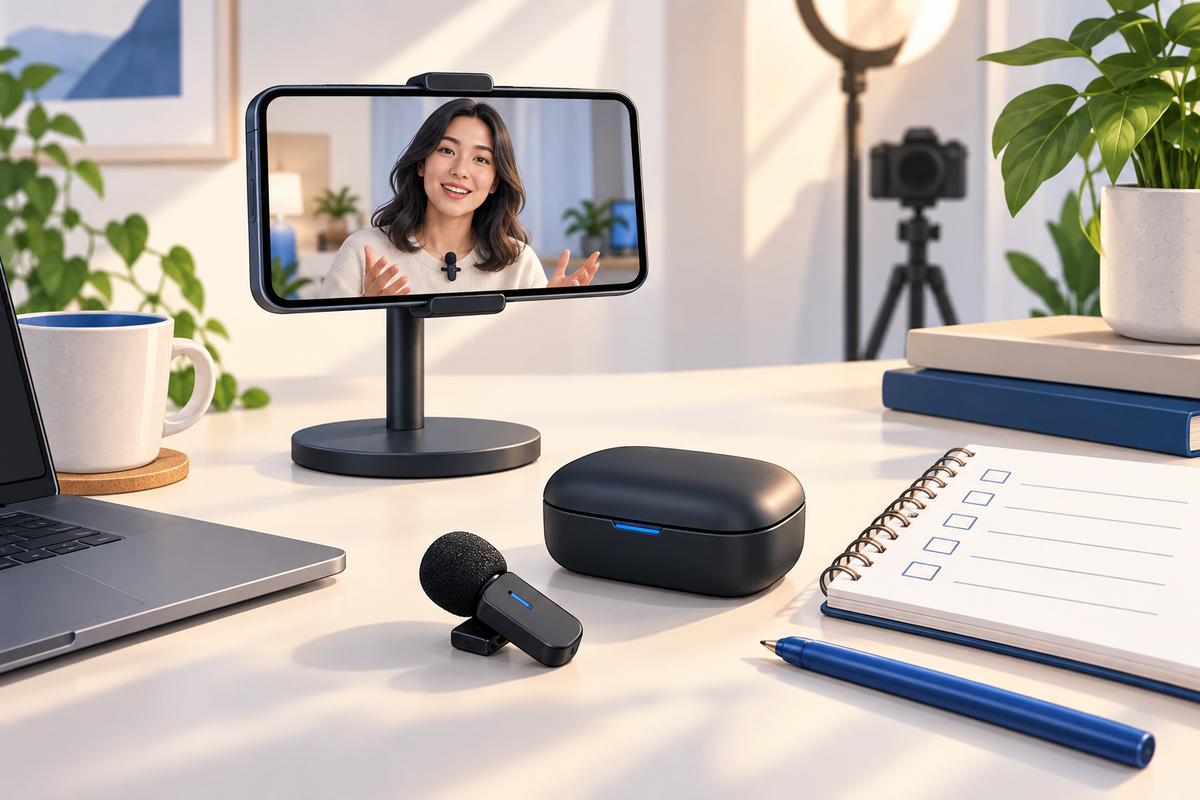
Cover: AI-generated editorial illustration, not an exact product photograph.
The J10 combines a clip-on wireless microphone format with a charging case. A reliable recording routine starts before the important conversation: charge, connect, choose the input and listen to a short sample. Keep the sequence the same so missing audio is easier to diagnose.
Product at a glance
| Model | J10 |
|---|---|
| Product type | Wireless microphone kit |
| Use | Speech and content recording |
View Lorvyo J10 Wireless Microphone Kit: current options and availability
Prepare the kit as a complete system
Check the microphone, receiver and case against the selected kit's contents. Confirm the connector and your exact phone or camera-app support before ordering. Charge and pair the components according to the manual. Do not assume that a charged case proves every transmitter is ready or that a status light has the same meaning as another model's light.
Verify the selected input in the recording workflow
Connect the receiver as directed and check the recording app's audio settings where available. Record a short spoken introduction, then play it back before the actual take. This confirms more than seeing a plug in the port. If the sound is absent or unexpectedly distant, inspect the connection and app input rather than continuing a long recording and hoping the audio appears later.
Create an end-of-session routine
Stop and save the recording, confirm that the file plays and return components to their proper storage positions. Keep a note of the device and app that worked so the next session starts from a known setup. The J10 description does not establish a tested wireless range, exact runtime or universal compatibility, so verify those requirements if they matter to your project.

Questions and answers
Does connecting the receiver prove the J10 is recording?
No. A short recorded sample and playback check confirm the actual workflow more reliably.
Can I assume the case battery represents every component?
No. Follow the kit's own indicators and charging instructions for the microphone, receiver and case.
Explore microphones at Lorvyo
See this product and choose your option · Browse microphones
- K1 Microphone: Choose USB-C or Lightning for Your Phone
- S53 Magnetic Microphone: Placement Without Clothing Noise
Sources and editorial note
Product details: Lorvyo product listing, checked 2026-09-17. Questions about the exact kit: support@Lorvyo.com.
AI-assisted buying guide based on the current listing, not a hands-on review. The cover is a conceptual illustration; the product photograph comes from the listing. Confirm unresolved specifications with Lorvyo before ordering.