L300 Max Drone: Use Camera Angle to Change the Story
Lorvyo Editorial
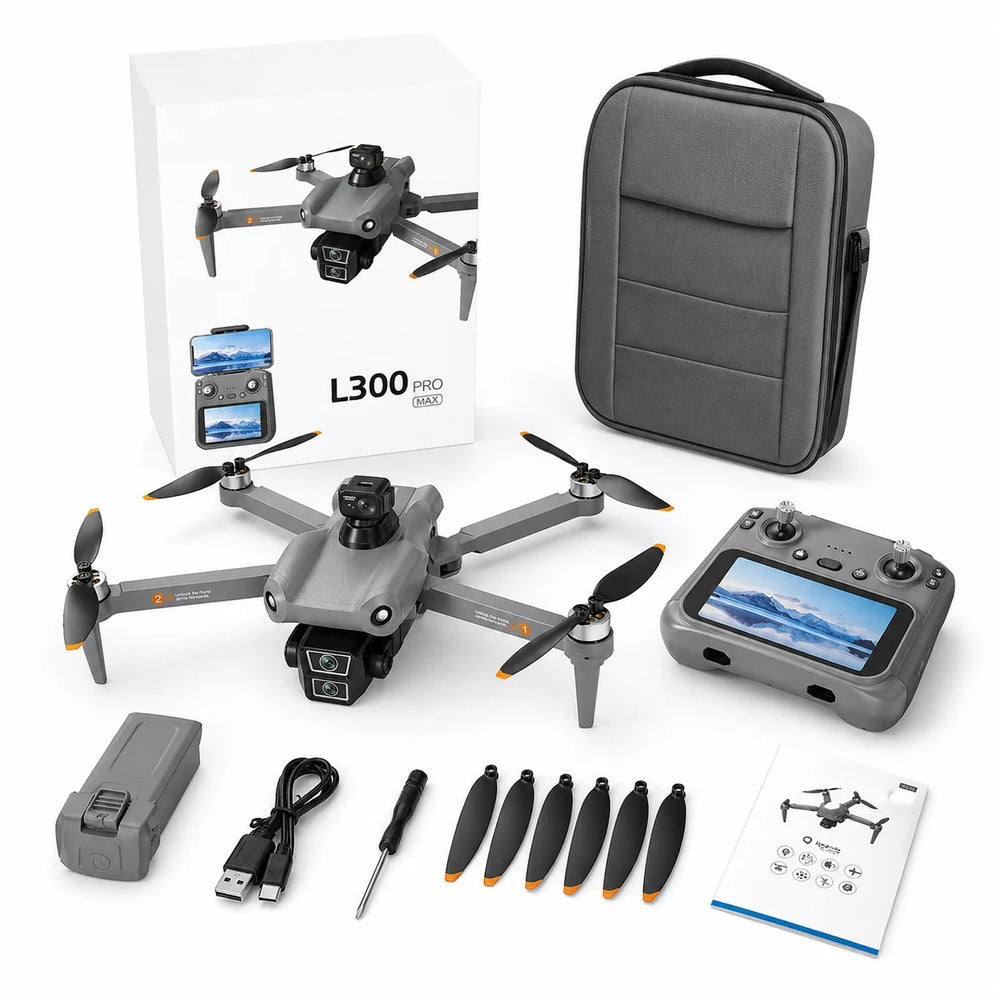
Explore how the L300 Max's adjustable camera can support different compositions without treating tilt as zoom.
The L300 Max lists camera adjustment up to 90 degrees. That offers a different way to think about composition: the direction of the camera can change the subject of a frame even before you consider moving the aircraft.
Choose the subject before the angle
Decide whether the image is about a horizon, a structure or a pattern on the ground. Sketch a simple frame on paper. A downward-looking view emphasizes layout; a more level view includes distance and context. These are composition ideas, not claims about automatic camera programmes on this model.
Change tilt deliberately
Identify the camera-angle control in the supplied manual before a flight session. Make adjustments gradually and review the result when it is safe to do so. Camera tilt changes where the lens points; it does not establish optical zoom, a different focal length or a larger sensor.
Compare two useful frames
For a permitted session, aim for two clear compositions rather than many hurried changes. Afterwards, compare the subject's size, the amount of background and distracting edges. Keep the original files so you can distinguish what was captured in-camera from later cropping. Confirm native recording details with Lorvyo if they matter to your project.
Details from the current product listing
| Motor | 1504 brushless |
|---|---|
| Battery | 7.4 V / 3800 mAh |
| Camera adjustment | Up to 90 degrees |
Check the selected option and current product page for the supplied configuration.
Does the 90-degree figure mean a 90-degree field of view?
No. The listing describes camera adjustment. Lens field of view is a separate specification that should be confirmed independently.
Explore the product
Lorvyo L300 Max Camera Drone — view current options, images and availability.
For a different angle: L300 Max: Packing a Folding Drone for a Photo Walk.
Related reading: A26 Pro Drone: Review Camera Footage Beyond the 4K Label.