K1 Microphone: Choose USB-C or Lightning for Your Phone
Lorvyo Editorial
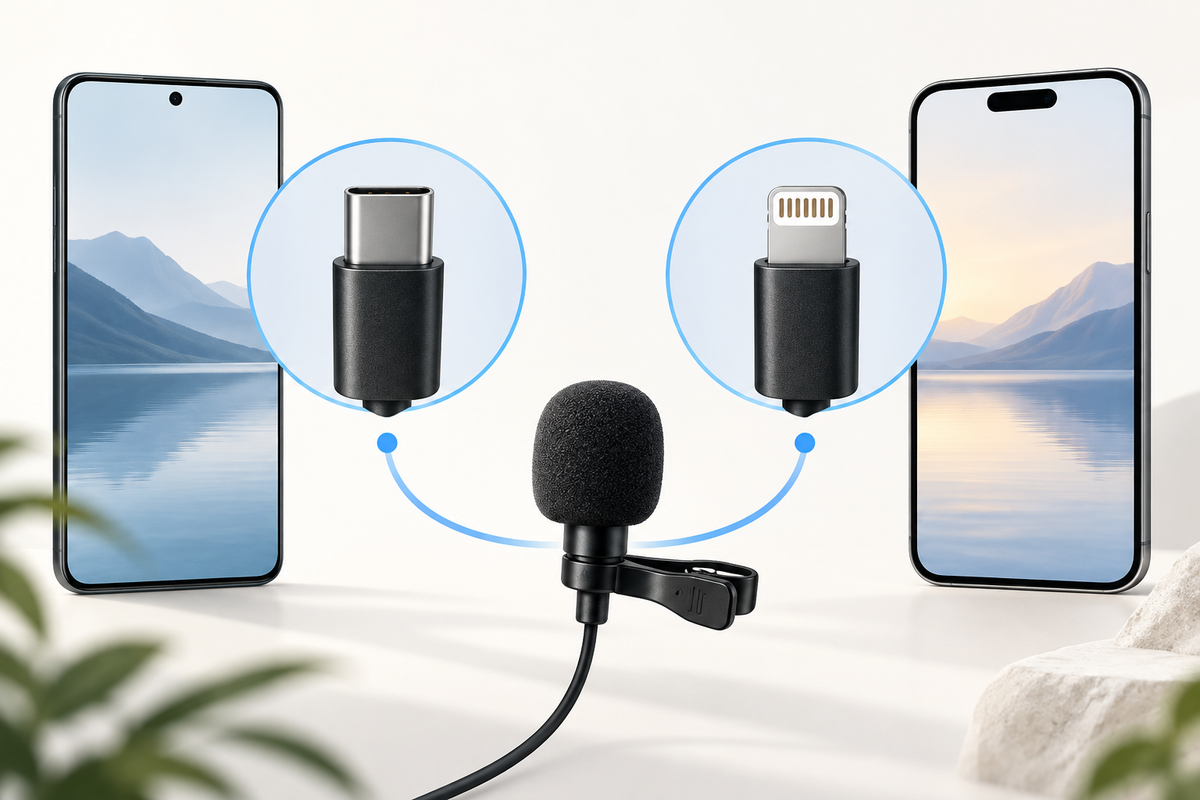
Cover: AI-generated editorial illustration, not an exact product photograph.
The K1 wireless clip-on microphone is offered with USB-C or Lightning receivers. Choosing the right physical connection is the first step, but the phone and recording app also need to support the setup. Check the exact device rather than ordering by a broad Android or iPhone label.
Product at a glance
| Model | K1 |
|---|---|
| Receiver options | USB-C or Lightning |
| Use | Mobile voice recording |
View Lorvyo K1 Wireless Clip-On Microphone: current options and availability
Identify the port on the actual phone
Look at the phone you will record with and compare its documented connection type with the receiver selection. Do not rely on the charging cable used with a previous phone or the appearance of an adapter. USB-C and Lightning are different connectors. If you plan to use an adapter, ask about that complete setup rather than assuming a physical fit guarantees audio support.
Confirm the intended app workflow
Tell Lorvyo the phone model, operating-system version and recording app. Ask whether that combination has confirmed support and what setup steps are required. A phone may provide different audio choices in different apps, so a successful test in one does not automatically establish every other workflow. Keep the first test short and listen to the saved file.
Position the clip for the content
Follow the supplied guidance to place the transmitter securely and away from rubbing fabric. Test speech at the distance and movement pattern you expect to use. The listing includes a noise-reduction feature, but that should support a sensible setup rather than replace one. If audio fails, check input selection, receiver fit and charge status before changing the recording environment.

Questions and answers
Is every USB-C phone automatically compatible?
No. Confirm the phone, operating system and recording app as well as the connector.
Can I select a receiver only by the iPhone name?
Check the exact model and port. The product offers distinct Lightning and USB-C choices.
Explore microphones at Lorvyo
See this product and choose your option · Browse microphones
- SF-666R USB Microphone: Set Up a Clearer Desk Recording
- J10 Wireless Microphone: A Repeatable Recording Setup
Sources and editorial note
Product details: Lorvyo product listing, checked 2026-09-17. Questions about the exact kit: support@Lorvyo.com.
AI-assisted buying guide based on the current listing, not a hands-on review. The cover is a conceptual illustration; the product photograph comes from the listing. Confirm unresolved specifications with Lorvyo before ordering.